
Nhako Beam Send files straight between your own devices
No cloud, no size limit, no account. Free for Windows, Linux and Android.


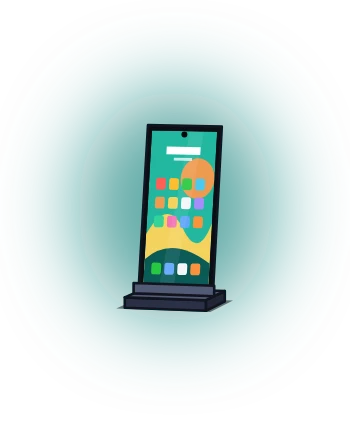
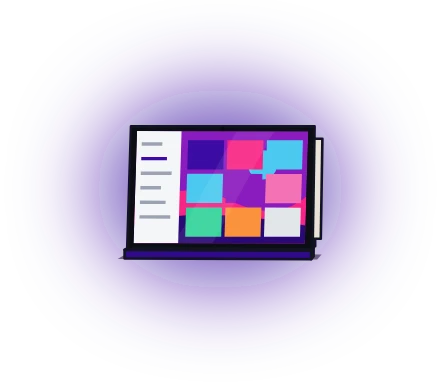
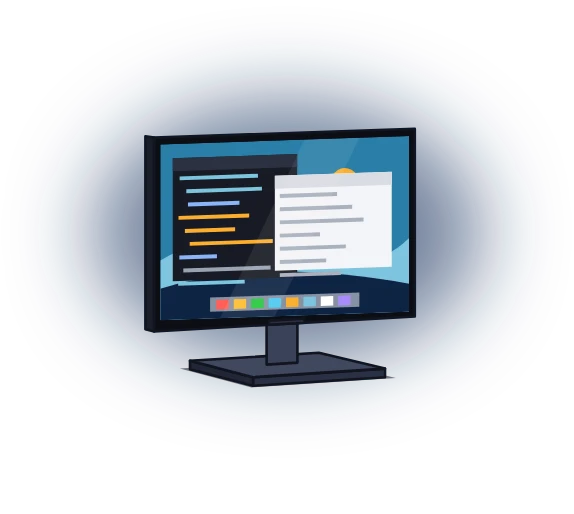
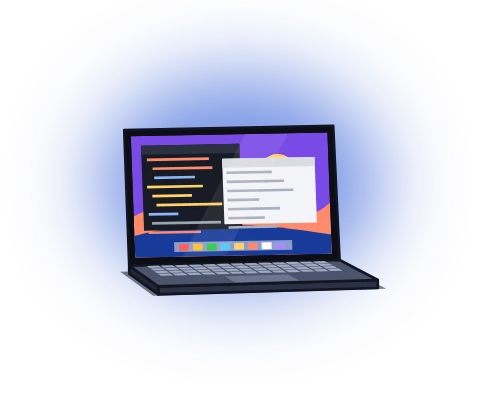


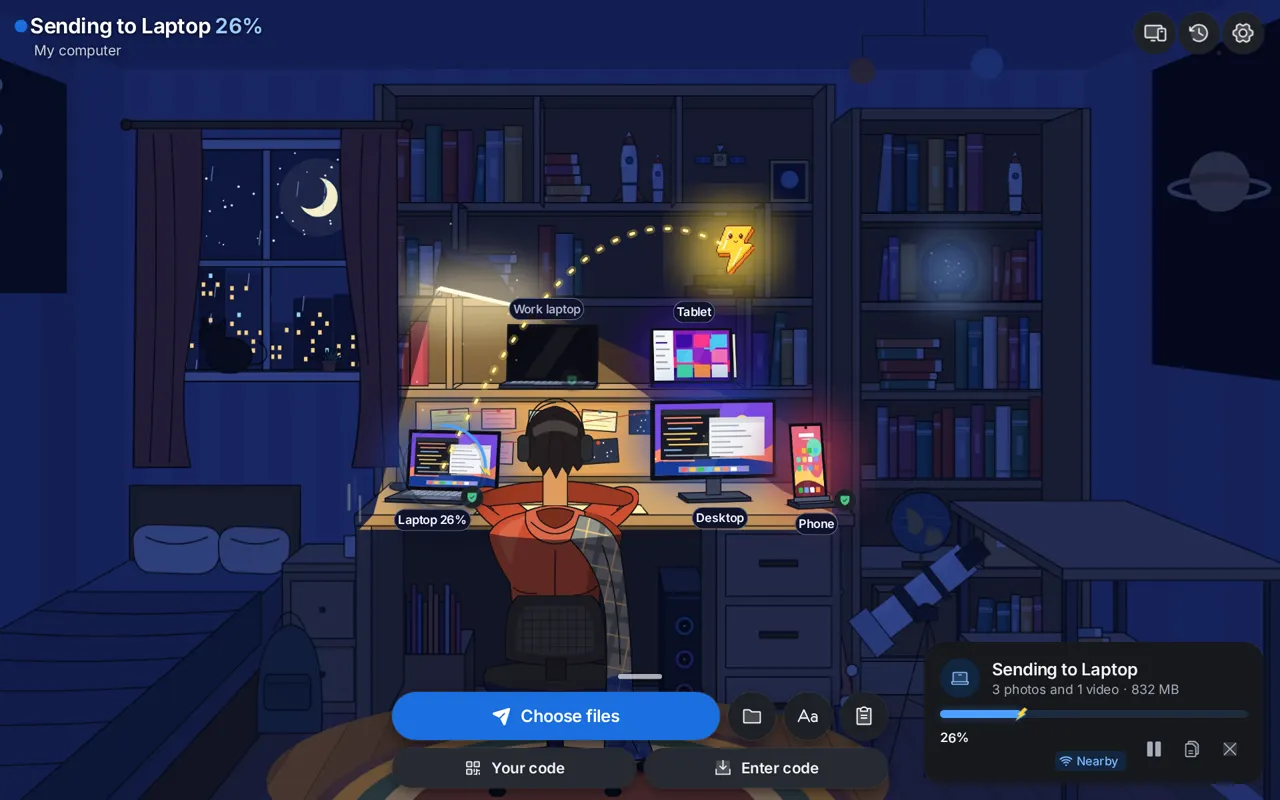
This is the room from the app's Home screen, playing a demo. Drag the file onto a device, or tap one.
Phone to laptop. Desktop to tablet. Straight across.
- No cloudNothing is uploaded or kept on a server.
- No size limitOnly your disk decides.
- No accountPair once. Your devices remember.
See it in 16 seconds
No sound. Press play when you like.
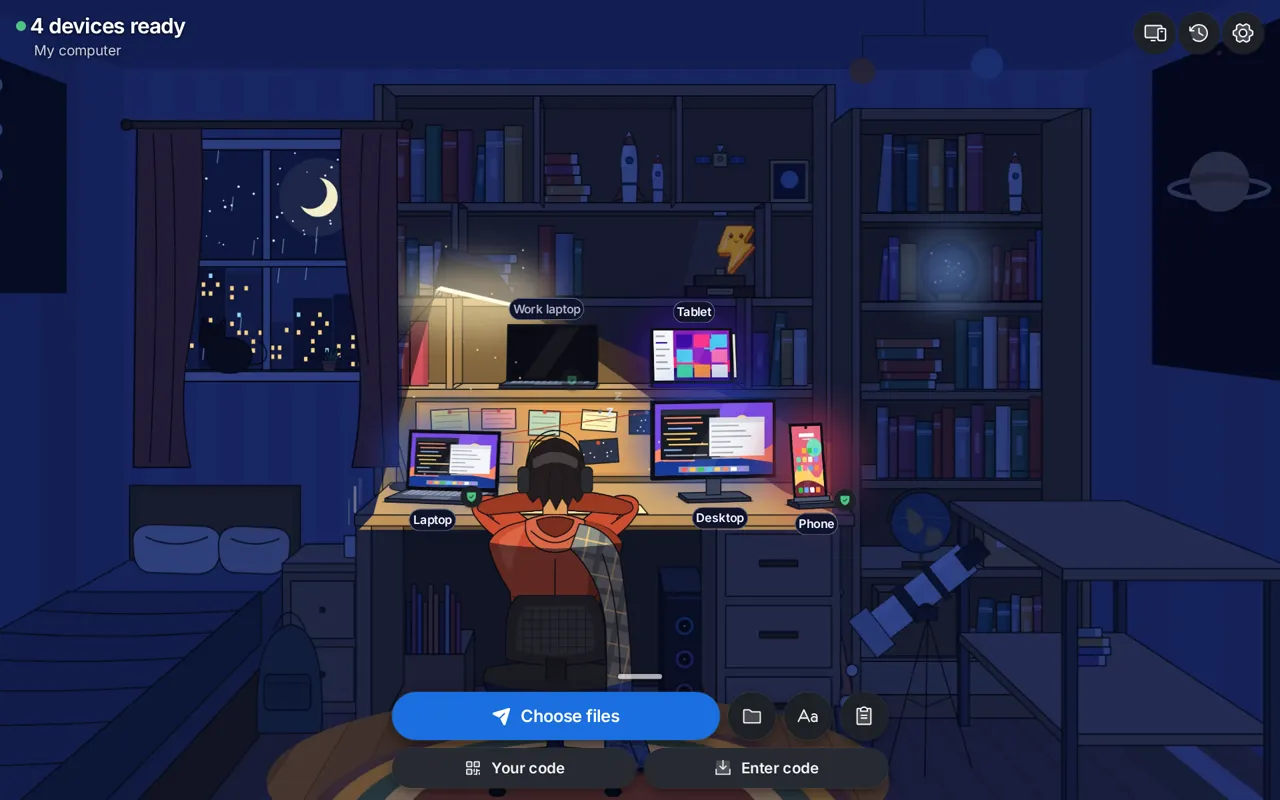
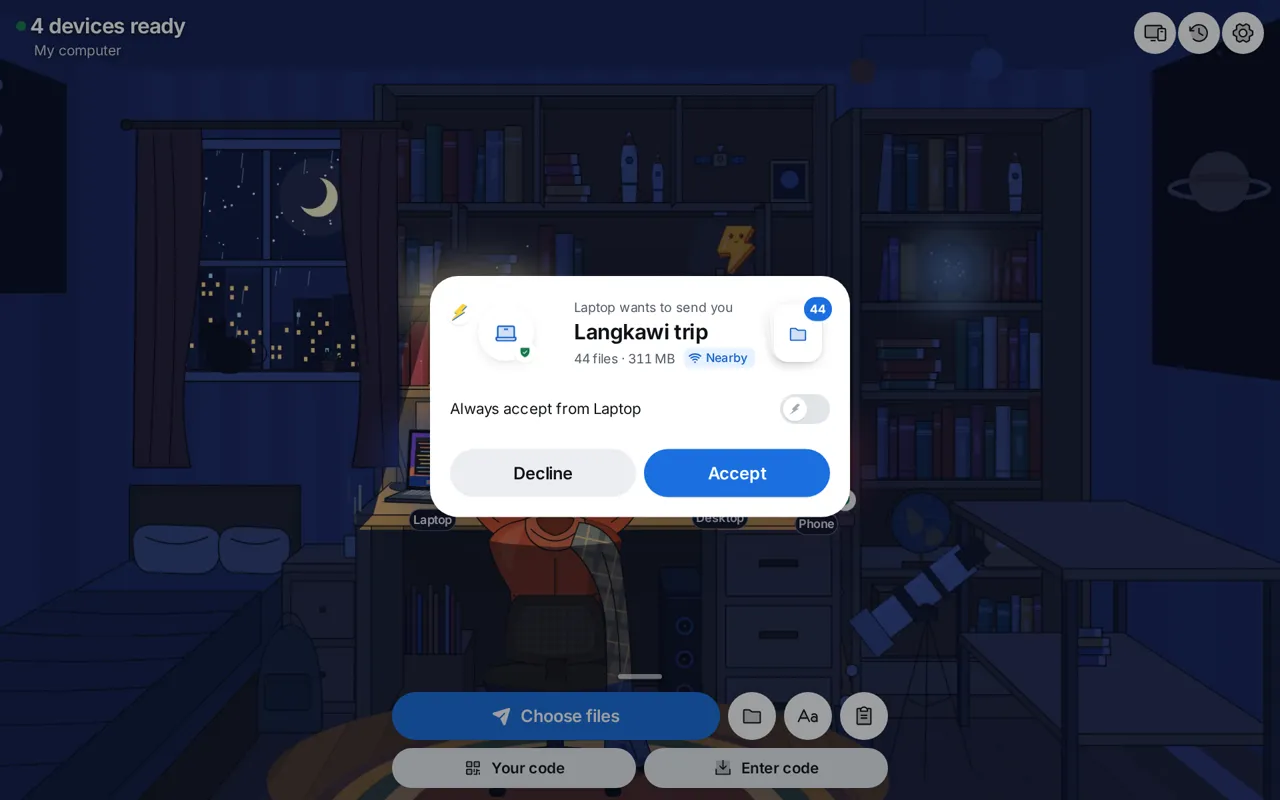
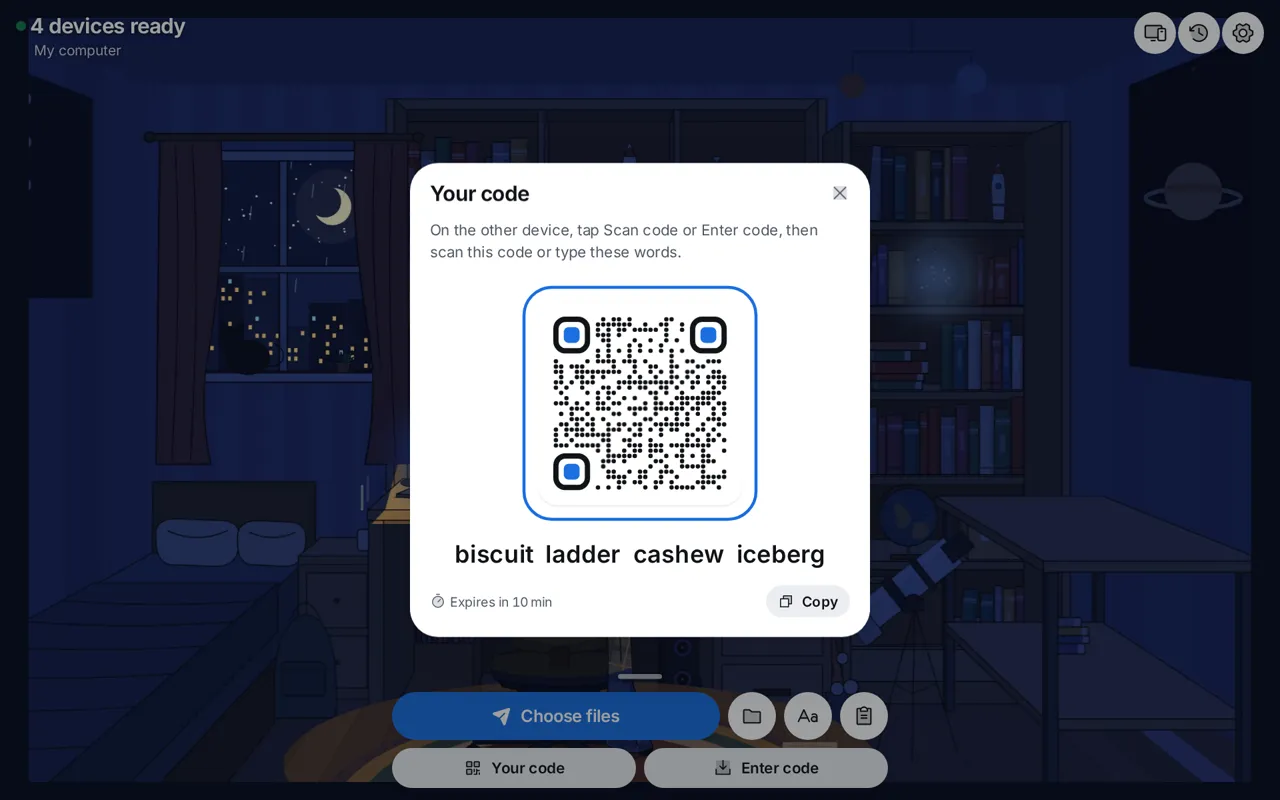
Home is a room
The desktop app, with sample device names.
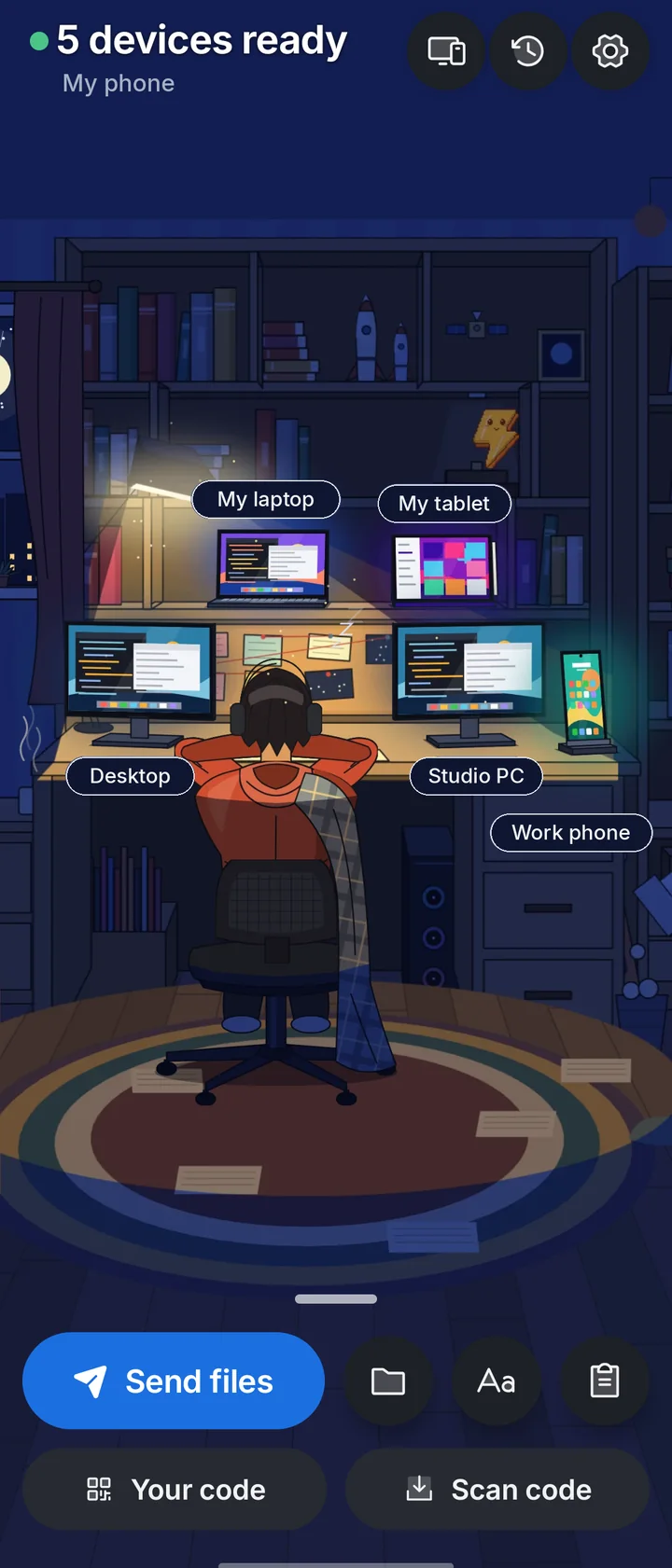
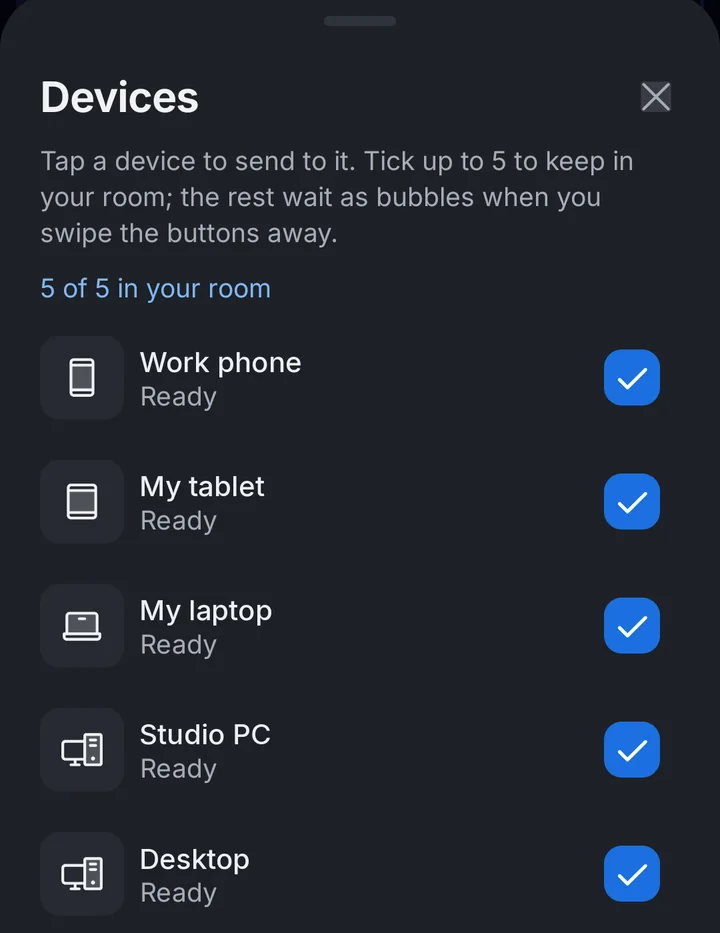
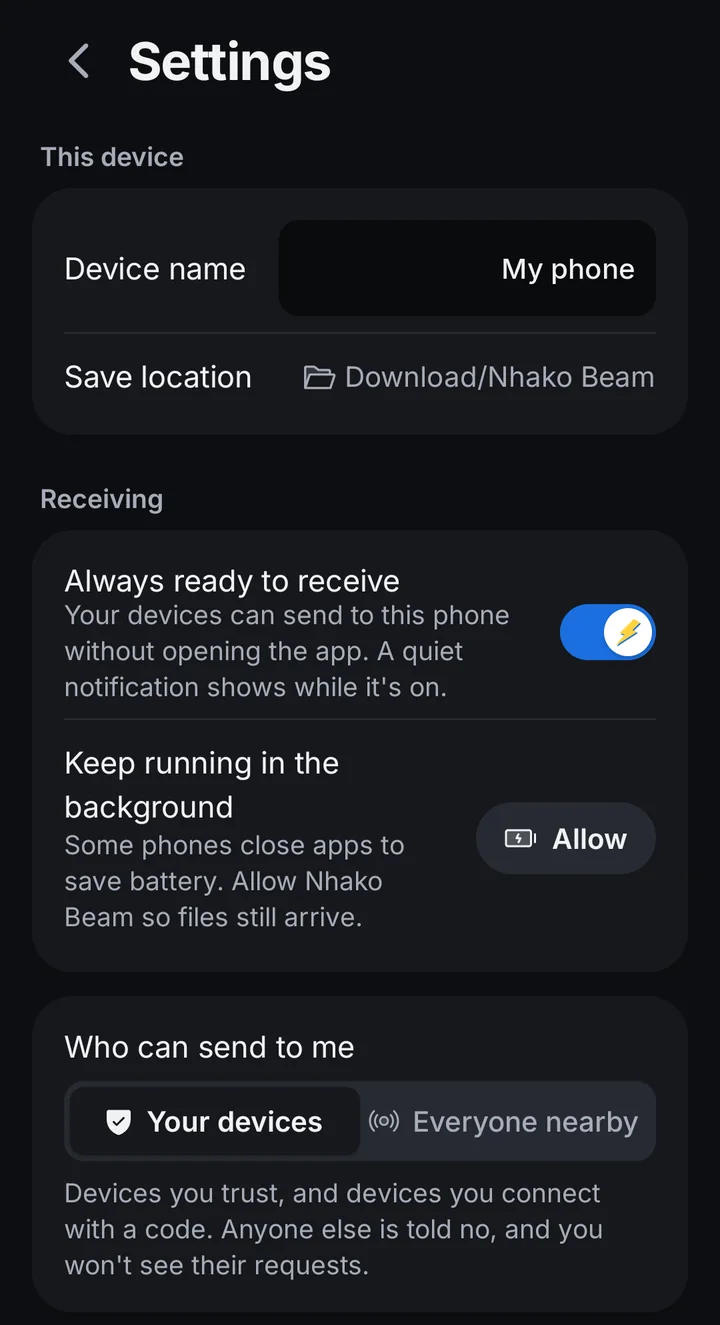
And on your phone
Real screens from Android, with the device names changed.
Three ways across, one app
Every connection is encrypted between your two devices. The app picks the best way by itself.
-
Same Wi-Fi
They find each other and connect directly.
-
Across the internet
Direct too, when both networks allow it.
-
Through a relay
When direct won't work. It can't read your files.
Or run your own server
By default the apps use n0's free public servers. Prefer your own? It takes a few commands.
3340Lookup 3341
- FreeNothing here costs money
- DockerAny computer that runs it
- Your tokenOnly your devices get in
- Still encryptedIt can't read your files
- 1
Get it and make a token
Paste the token into
.envasNHAKO_RELAY_TOKEN.git clone https://github.com/kimzam30/Nhako-beam.git cd Nhako-beam/relay cp .env.example .env openssl rand -hex 24 - 2
Start it
You need Docker with Compose. The first build takes about 4 minutes.
docker compose up -d --build - 3
Point your devices at it
On each device: Settings, Connection, Your own. Save checks both servers first.
PublicYour own
Relay addresshttp://your-computer:3340
TokenNHAKO_RELAY_TOKEN from .env
Lookup addresshttp://your-computer:3341
Save
What it runs
- Relay, TCP 3340Passes encrypted traffic when two devices can't connect directly. With a token, only your devices can use it.
- Lookup, TCP 3341Lets devices find each other by device key. Records are signed by each device, so the server can't fake them.
Both are n0's own open source servers, iroh-relay and iroh-dns-server. They run read-only as a non-root user, in one small image.
Check that it works
From the same computer. The relay answers 200, and the lookup answers OK.
docker compose ps
curl http://localhost:3340/ping
curl http://localhost:3341/healthcheckIf other devices can't reach it, allow TCP 3340 and 3341 in this computer's firewall. Change the ports in .env if something else uses them.
Everyday commands
docker compose logs -f relay
docker compose up -d
docker compose downThese show what it's doing, apply a changed .env, and stop it. Lookup records are kept when it stops. Add -v to down to forget them.
From the command line
The nhako command line tool uses the same settings.
export NHAKO_RELAY_TOKEN=your-token
nhako server set http://your-computer:3340 --lookup http://your-computer:3341
nhako server check
nhako server publicThe last line goes back to n0's servers.
Using it away from home
This setup is for your own computer or home network, and it uses plain HTTP. Your files are still encrypted end to end, but the token travels in the clear.
To use it from other networks, the server must be reachable from the internet over HTTPS. That needs a domain name, and either a server with a public address or port forwarding on your router. A rented server or a domain can cost money. The relay supports Let's Encrypt certificates, with ports 80, 443 and 7842/udp open.
Pair once, with four words
- Open the app on both devices.
- Your code on one, Enter code or scan on the other.
- Check that both screens show the same value.
A code lasts 10 minutes and works once.

saffronbadgegingerpebble
Who can see what
Your files stay readable only on your two devices. Full privacy notice
Your two devices
Your files
The only place they can be read.
A relay, if needed
Encrypted bytes
Plus a device key and address, to pass them on.
Address lookup
A device key
And how to reach it. Names are never published.
GitHub
Your address
Update check, at most once a day. You can switch it off.
Nhako
Nothing
No server for this app, and no analytics.
The small things
Everywhere
- Files, folders, text, links, clipboard
- Pause, resume, cancel, retry
- A full history
- Send with a code, no pairing
- Share via link on your Wi-Fi
- Light, dark, sounds, reduced motion
Windows and Linux
- Drag files onto a device
- Right-click to send
- Lives in the tray
- Starts at login, if you want
Android
- Always ready to receive
- Share from any app
- Accept from the notification
- A Quick Settings tile
- Keeps going with the screen off
Install it in a minute
Windows 10 or 11
- Open the installer you downloaded.
- It isn't signed yet. If Windows warns you, choose More info, then Run anyway.
- Say yes to the firewall rule, so your devices can find this PC.
Ubuntu, Debian, Zorin, Mint
- In the folder with your .deb, run:
sudo apt install ./nhako-beam-1.0.0-linux-amd64.deb
Android 8.0 or newer
- Open the .apk on your phone and allow the install.
- If Play Protect warns you, choose Install anyway.
Then send your first file
- Pair your devices.
- Drop files on a device, or share from any app.
- Tap Accept on the other one.
Download Nhako Beam
Nhako Beam has no Mac or iPhone version yet. It runs on Windows, Linux and Android.
- Windows 10 or 11nhako-beam-1.0.0-windows-x64-setup.exe, 10.5 MB Your device Not signed yet, so Windows may warn you. Choose More info, then Run anyway.
-
Ubuntu, Debian, Zorin, Mintnhako-beam-1.0.0-linux-amd64.deb, 15.6 MB
Your device
Install with: sudo apt install ./nhako-beam-1.0.0-linux-amd64.deb - Almost every Android phonenhako-beam-1.0.0-android-arm64-v8a.apk, 21.6 MB Your device Not from a store yet, so allow the install when your phone asks.
Other builds
Checksums (SHA-256)
- nhako-beam-1.0.0-windows-x64-setup.exe
3a5dff720304b2fc7631129509184c3ff00f6f0dcfbfa01b8d0ed5c24b537634 - nhako-beam-1.0.0-linux-amd64.deb
38cc63b46513476941148513c58663a1af3c0f61232a9ca63c3da6798f88bfc9 - nhako-beam-1.0.0-android-arm64-v8a.apk
3b9966205653a185a3fd2adac07ff73b2e9a4d2a99a3efa4c780c8fc66a0375c - nhako-beam-1.0.0-android-armeabi-v7a.apk
ea856fb4cb99b3983f4d5a6c1cd308fe63f094d169eaf7b12b4bb6129f4804a4 - nhako-beam-1.0.0-android-x86_64.apk
58fa4ae779700a76a9b1a11dbb80db0d0d3d6efc3bf3e609dbc54779ebe98775
Questions people ask
Is Nhako Beam free?
Yes. It is free and open source under the MIT or Apache 2.0 licence, with no ads, no tracking and no subscription.
Does it work on Mac or iPhone?
Not yet. Nhako Beam runs on Windows 10 and 11, on Linux with a .deb package, and on Android 8.0 or newer.
Do my files go through a server?
They are never uploaded or stored. On the same Wi-Fi they go straight across. Over the internet they go direct when they can, and through a relay when they cannot. A relay only passes encrypted bytes along and cannot read them.
Do both devices need to be on the same Wi-Fi?
No. On the same Wi-Fi they find each other by themselves. Devices you have paired can also reach each other across the internet.
Is there a file size limit?
No. Only your disk decides.
Do I need an account?
No. Devices pair once with a four-word code or a QR code, then remember each other.
What happens if the connection drops?
The transfer picks up again on its own from the last confirmed byte, and every file is checked before it is saved.
Can a stranger send me files?
By default only your own devices can. You choose this under Who can send to me, and anything from a device you have not set to accept automatically shows a request with Accept and Decline.
Can I send to someone who does not have the app?
Yes, on the same Wi-Fi. Share via link gives them a page to open in any browser.
Who runs the relay?
By default the apps use the free public relay and address lookup servers run by n0, the makers of iroh. You can run your own with Docker, for free, and point the apps at them.
Can I host it myself?
Yes. The relay and lookup servers run on any computer with Docker. Run a few commands, then choose Your own under Settings, Connection on each device.
Why does Windows or Android warn me when I install it?
The Windows installer is not signed yet, and the app is not in a store yet. On Windows choose More info, then Run anyway. On Android allow the install when asked, and if Play Protect warns about an app it has not seen, choose Install anyway.
Does Nhako Beam collect my data?
No. It has no analytics and no accounts, and we have no server for it. It does check GitHub for a new version at most once a day, which you can switch off.
Need an app or a site built?
kimzam made this, and takes on work like it.
See services